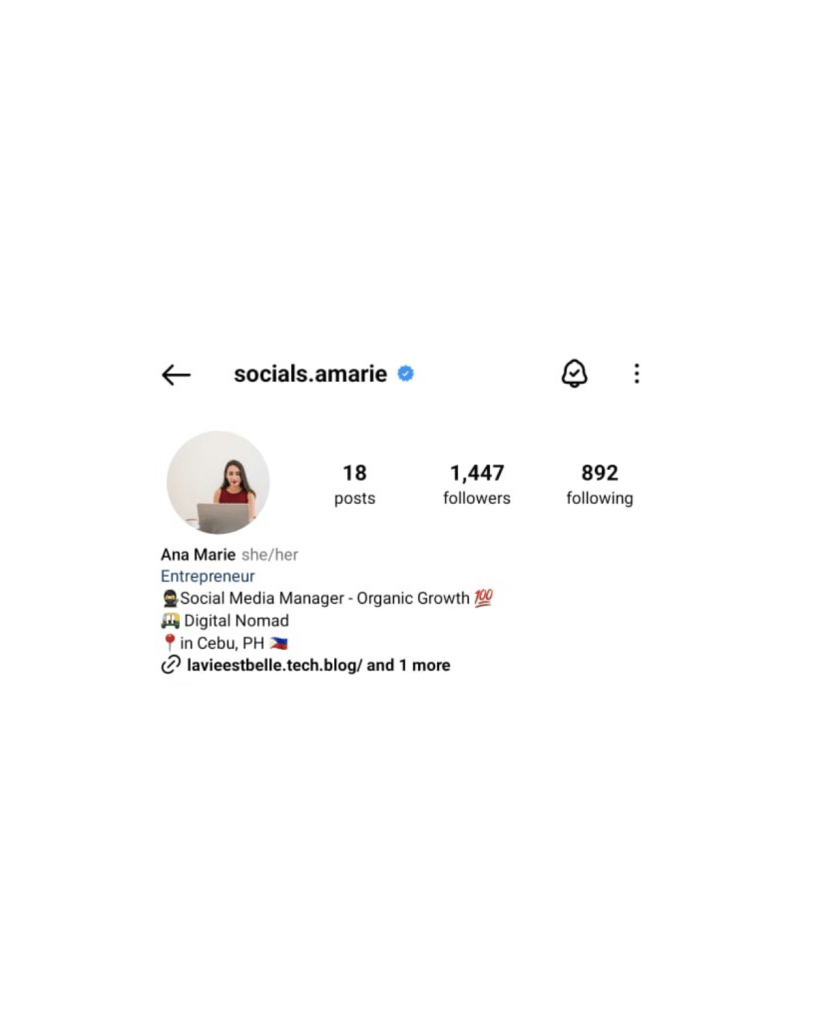
So, I gave the Meta Verified Badge a shot—what changed? Well, aside from the shiny blue checkmark that now shows my profile is verified, here’s what I noticed:
- Enhanced Links:
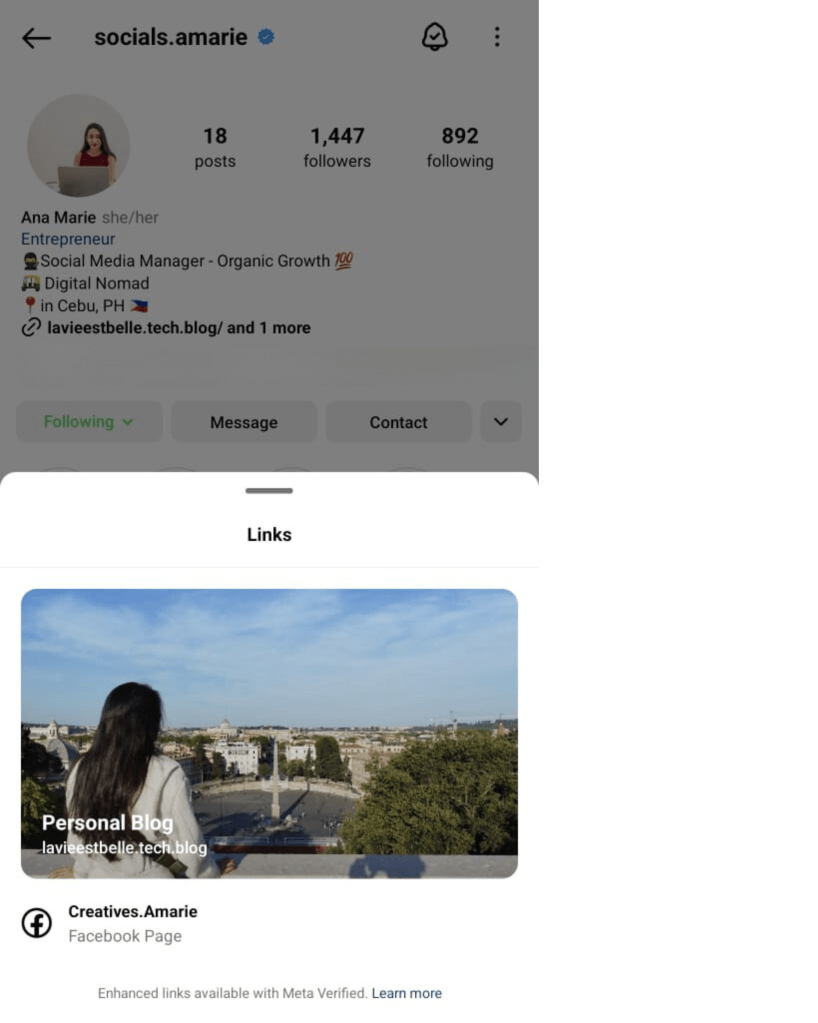
I can now add a banner to the links in my profile. Check out the link to my blog, lavieestbelle.tech.blog—it’s got a cool background image now.
2. Social Proof:
Personally, I love the verified badge. It gives off a professional and reputable vibe—what I like to call the “mindset” effect. I’m even considering doing the same for my WhatsApp.
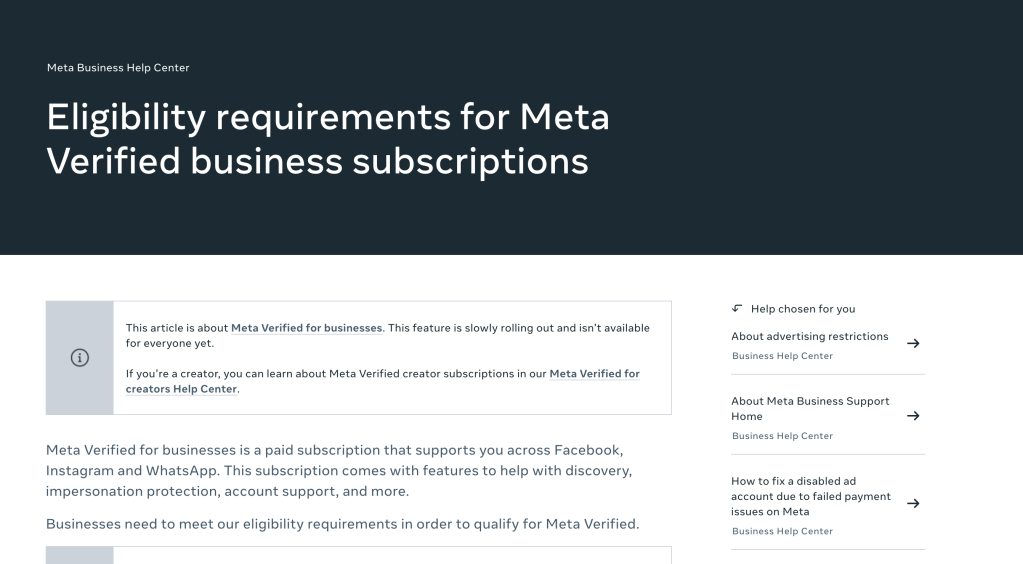
Plus, knowing that it takes some time to get verified and that you need to be on a waitlist makes having the badge feel like a little achievement—like I’ve moved up in the ranks. See this link to know more about the eligibility requirements.
3. Account Impersonation Protection
With the badge, I feel as legit as ever—okay, maybe just a tad more! It adds a layer of protection against impersonation, which is a nice bonus.
If you want to know more about the Meta Verified Badge, check out 👉 Grow with Meta Verified.
Overall, it’s more about the psychological and visual impact than anything else.
I’ll be keeping an eye on my profile over the next month and will update you if there’s anything new to report! Stay tuned!
Follow my Instagram page for the latest updates, tips, and a sprinkle of random fun! 😊
 lavieestbelle.tech.blog
Leave a comment